Interactive Wiring Builder
Build
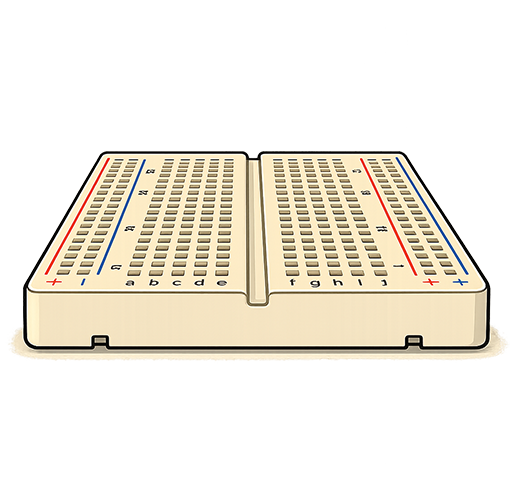
Place modules on this virtual breadboard, then click pins to draw wires between them.
Drag a module by its body. Click the 180 badge or double-click a module to flip it by 180 degrees.
Place components over the breadboard, then click breadboard holes to wire the occupied columns and rails
together, or use Auto Wire to connect known pins automatically. When a source strip is selected, hover a
compatible target to preview the wire before clicking to commit it, and use the route buttons or `[` /
`]` to cycle route options first. Compatible component pins can also be clicked as proxies for their
occupied breadboard strips, and matching now uses explicit per-device target rules.